Your First Confident Steps with Digital Wallets and Tap‑to‑Pay

Welcome! This beginner’s roadmap to digital wallets and contactless payments turns confusing jargon into clear, friendly steps you can trust. We will explore how tapping works, set up your first wallet, protect your money, solve common snags, and enjoy faster checkouts everywhere. Bring your questions, share your experiences, and subscribe for practical tips that actually help.

How Tapping Actually Works Behind the Scenes

Before your phone completes a purchase, a tiny radio conversation at 13.56 MHz connects your device and the terminal, creating a unique, one‑time cryptogram. Your actual card number stays hidden behind a device token, while EMV standards, merchant acquirers, and banks coordinate authorization in seconds.

From Swipe to Tap: The Invisible Handshake

Tapping replaces swiping with a secure near‑field handshake that lasts a fraction of a second. The terminal energizes the antenna, your secure element or trusted environment signs a challenge, and a dynamic code proves freshness. No magnetic stripe data flows, drastically reducing skimming risks.

What Your Phone Shares (and What It Doesn’t)

Merchants receive a tokenized number, sometimes called a DPAN, and a one‑time cryptogram; your real PAN never appears. Biometric checks gate access, and card details stay encrypted on the device. Receipts identify the device, aiding refunds without exposing sensitive information.

Where You Can Use It Today

Grocery lines, coffee counters, transit gates, parking meters, taxis, vending machines, and countless online checkouts now accept taps or in‑app wallet buttons. Even many small markets upgraded terminals after 2020, valuing speed and hygiene. If unsure, look for the contactless waves symbol.

Choosing the Right App
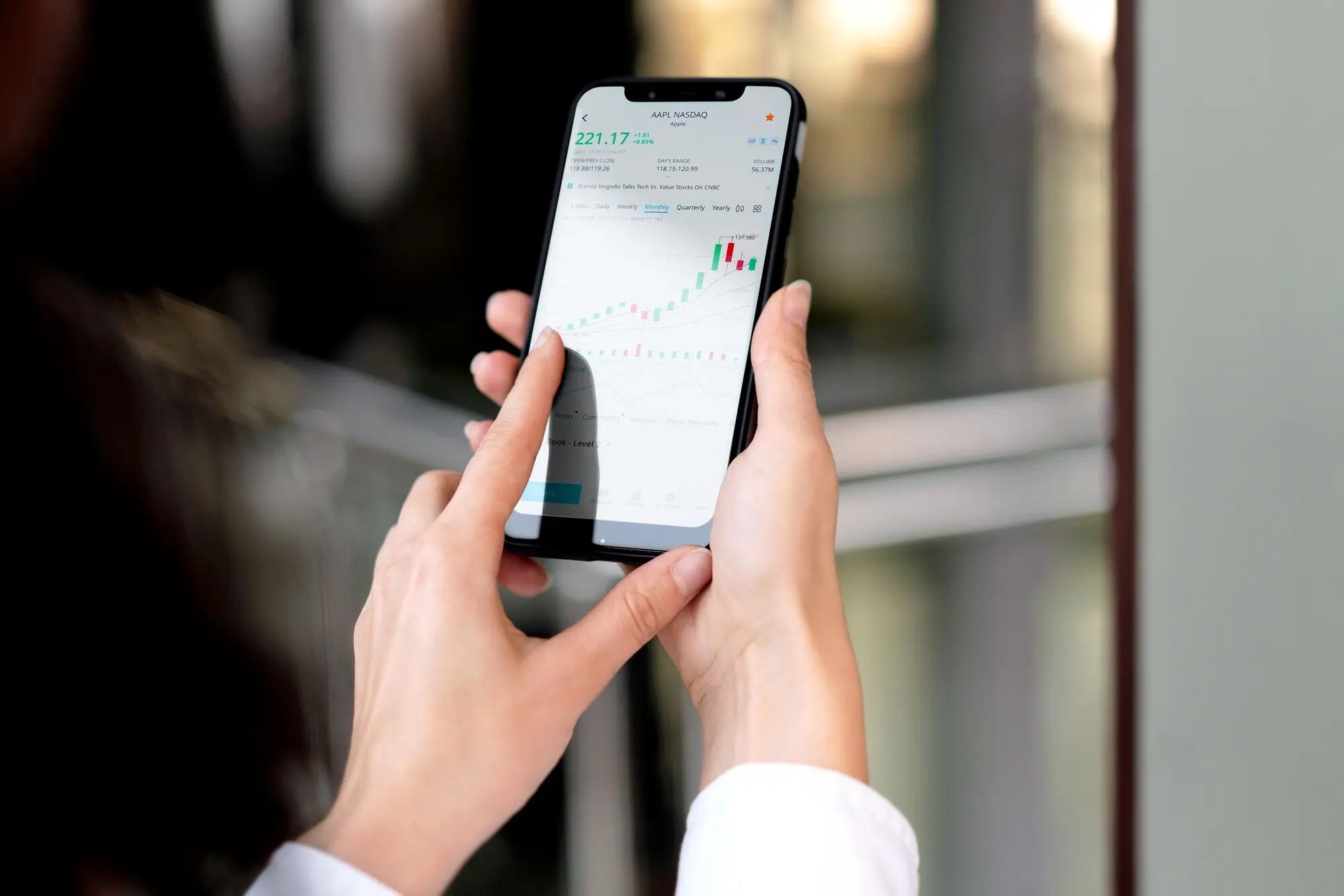
Most newcomers can start with the built‑in option on their phone, such as Apple Wallet or Google Wallet, which integrate tightly with biometrics and system security. Bank apps sometimes offer temporary numbers or virtual cards that add flexibility, especially for budgeting or online‑only merchants.

Adding and Verifying a Card

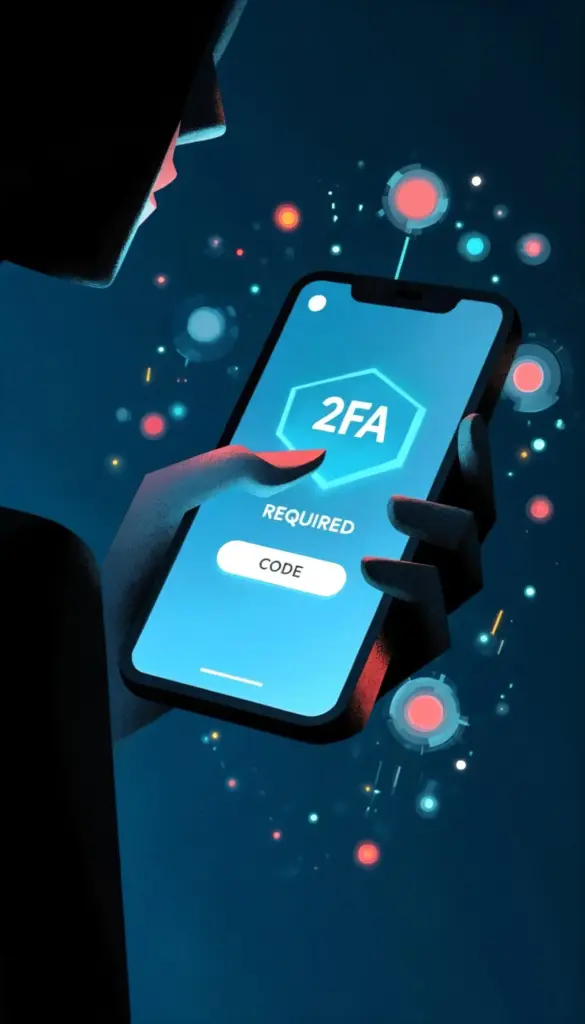
Use the camera to capture details, then follow your bank’s prompt: a text code, a quick call, or app‑based confirmation. Some issuers place a tiny test authorization that disappears. If verification stalls, open your bank app directly to complete pending approval securely.

Configuring Defaults and Passes

Set a default card to avoid fumbling, enable express transit where available, and prioritize travel passes near the top of your stack. Turn on spend alerts for peace of mind. These tweaks help your future self glide through gates and checkouts without hesitation.

Safety, Privacy, and Peace of Mind

Use Face ID, Touch ID, or a robust passcode so only you can authorize taps. Increase lockout after failed attempts. Avoid easy patterns. These defenses matter because they activate before any payment token leaves your device, blocking misuse even if your card details were compromised elsewhere.
Act quickly but stay calm. Use Find My or Find My Device to mark it lost, disable payments, or erase. Call your bank for reassurance; tokens can be revoked without replacing your physical card. Change account passwords, and watch notifications for any unfamiliar attempts.
Beware prompts asking to re‑enter a full card number inside unfamiliar apps. Real wallets never text you links for verification codes you did not request. If the terminal displays unexpected surcharges, pause and ask for clarification, or pay elsewhere. Your intuition is valuable protection.

Everyday Habits That Save Time and Money
Small improvements stack up quickly. Tapping speeds checkout lines, consolidates loyalty cards, and surfaces instant receipts. With alerts and spending summaries, you notice patterns earlier and avoid duplicate charges. Even at the gym or on a run, a watch tap can replace bulky wallets and spare change.

Travel and Cross‑Border Confidence

Tapping works worldwide where networks and terminals support contactless acceptance, yet details vary by country. Learn the signs, understand offline limits, and carry a backup card for edge cases. Avoid costly conversions, breeze through transit gates, and keep power handy to stay confident everywhere.
If prompted at a terminal to choose currencies, pick the local currency to escape dynamic conversion markups. Wallet receipts help you verify rates later. When traveling, compare bank exchange policies, and watch for overseas transaction fees that certain cards waive entirely.
Many transit systems approve taps offline for speed, then reconcile later. Express options let you pass gates without unlocking. Some networks enforce daily caps that charge the best fare automatically. If an error appears, find a nearby reader to settle pending taps.

Troubleshooting and Myth‑Busting

Even seasoned users hit snags. Alignment matters, some cases block antennas, and not every card supports tokenization yet. Limits may differ across stores, and terminals occasionally fall back to old rails. With calm checks, you can fix issues fast and keep lines moving.
Ravozeratavozunoxarisavi
Privacy Overview

This website uses cookies so that we can provide you with the best user experience possible. Cookie information is stored in your browser and performs functions such as recognising you when you return to our website and helping our team to understand which sections of the website you find most interesting and useful.