Keep Your Money Safe on the Move

Mobile banking security made easy can be real, practical, and stress-free. Here you’ll find clear steps anyone can follow, whether you are paying bills at home, tapping at a café, or traveling abroad. We’ll translate expert guidance into everyday actions, share relatable stories that build confidence, and invite your questions so you can protect money, privacy, and peace of mind without becoming a technician or buying expensive tools.

Know the Risks Without the Panic

Understanding how scams operate reduces fear and increases control. From SMS phishing and fake banking apps to SIM swap attempts and malicious Wi‑Fi portals, criminals rely on rushed moments and tiny mistakes. By seeing their playbook in slow motion, you can pause, verify, and choose safer paths before money ever moves.

A café story that explains everything

One morning in a busy café, a free Wi‑Fi page mimicked a bank login with perfect colors and logos. A customer nearly signed in, but the URL looked odd. They backed out, opened cellular data, used the official app, and avoided a credential theft that would have drained rent money.

What attackers actually want

Criminals want access that endures: reusable passwords, account numbers, one-time codes forwarded by trickery, or control of your phone number through a carrier change. Their methods look friendly, urgent, or routine. Recognizing that mismatch between tone and request lets you slow down, call your bank, and break the script.

Harden Your Phone Like a Pro

Update first, breathe later

Set updates to automatic, then check manually before banking while traveling. Security patches fix known holes criminals actively search for. A minute of patience today often prevents hours resetting passwords, restoring apps, and disputing transactions later. Treat updates as seatbelts: routine, unglamorous, yet absolutely lifesaving when risk appears.

Install from trusted sources only

Stick to official app stores and verified publisher pages. Third‑party sites may bundle malware that watches keystrokes or overlays fake screens. Before installing a banking app, check reviews, publisher name, last update date, and permissions requested. If anything feels off, stop, recheck, and contact support for confirmation.

Permission spring‑cleaning

Open settings and revoke access that is not essential. Many apps quietly request contacts, location, or notifications they never truly need. Fewer permissions mean fewer paths for data leakage and distraction. Make this a monthly ritual, alongside photo backups and storage cleanup, to keep everything lean and safer.

Authentication That Actually Works

Strong sign‑in keeps strangers out even if they learn your email address. Use long passphrases, turn on biometrics where available, and enable two‑factor authentication with an authenticator app. Reserve SMS codes as a backup only. Wherever possible, add transaction verification for amounts, payees, and new devices.

Safer Connections Everywhere

Connections define trust. Prefer cellular data for transactions, or use a reputable VPN if Wi‑Fi is your only option. Turn off auto‑join for public networks, disable Bluetooth when unused, and be skeptical of QR codes. These habits reduce invisible exposure without complicating your day.

Public Wi‑Fi done right

If you must connect, open no banking sites, and use your bank’s official app only after switching back to cellular. Forget the network afterward. A trusted VPN helps, but nothing beats a direct cellular connection. Consider tethering from your phone rather than trusting café routers with unknown settings.

VPN and cellular choices

Choose a paid, privacy‑respecting VPN with audited infrastructure, or rely on LTE and 5G where coverage is strong. Avoid random, free VPNs that monetize data. Test your connection with a harmless task first, then proceed to payments only when speeds and stability feel predictable and safe.

Make the App Work for You

Modern banking apps include protective tools hidden behind quiet menus. Enable real‑time alerts, daily transfer caps, travel notices, and quick card freeze toggles. Explore virtual cards for subscriptions and one‑time purchases. Spend ten focused minutes today, and future surprises will become clear notifications instead of emergencies. Share your favorite settings in the comments and subscribe for weekly checklists that reinforce safe habits without clutter.
Activate push and email notifications for logins, new payees, card‑present transactions, online purchases, and international activity. Set thresholds that reflect your habits. Fast visibility transforms potential fraud into harmless noise, because you can freeze a card within seconds and call support while details remain fresh and documented.
Daily transfer caps, ATM withdrawal limits, and contactless payment ceilings create speed bumps that stop thieves and accidental taps. Calibrate them for regular life, then temporarily raise when needed. Combine with approval rules for new devices and beneficiaries to ensure unusual actions always demand your deliberate, secondary confirmation.
For subscriptions and one‑time merchants, generate a virtual number with its own limit and expiration. If compromised, you replace the virtual card, not your primary account. This tiny separation contains risk, simplifies disputes, and keeps recurring services from charging beyond the purpose you originally approved.

Everyday Habits That Save Headaches

Security sticks when it is woven into routine. Lock your phone immediately after use, enable auto‑lock on short timers, and consider a privacy screen in crowded transit. Decline calls requesting verification codes. Keep your banking app’s icon away from your home screen to reduce curious taps.

Lock screens become second nature

Choose a six‑digit or longer PIN, reduce lock delay, and learn to trigger a quick lock with hardware buttons. When stepping away from a table, lock reflexively. This habit alone blocks casual snoops, protects your authenticator, and keeps messages from leaking during distracted moments.

Carry less, reveal less

Remove screenshots showing card numbers, blur sensitive widgets, and keep notifications from previewing codes on a locked screen. Minimal visible information narrows what an onlooker can use. A slim wallet, careful camera roll, and discrete phone layout together reduce opportunity without adding friction to payments.

Have a lost‑phone plan

Write down your device’s recovery steps and bank emergency numbers. Practice remotely locating, locking, and wiping your phone. Ensure you can sign in from a backup device or computer. With rehearsed steps, panic turns into method, and minutes saved often mean money saved too.

If Something Feels Wrong, Act Fast
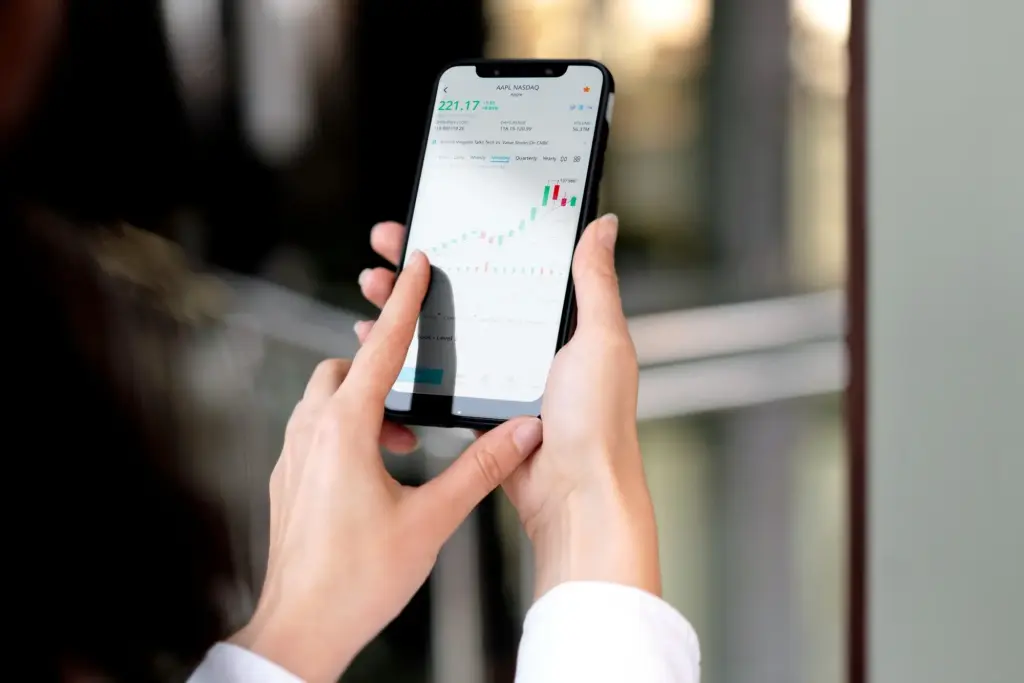
Speed is everything when stopping fraud. Freeze cards, disable online transfers, and call your bank using the number on the official website or app. Change credentials from a clean device, capture screenshots, and file a report. Timely, calm action preserves evidence and accelerates reimbursements or reversals.
Ravozeratavozunoxarisavi
Privacy Overview

This website uses cookies so that we can provide you with the best user experience possible. Cookie information is stored in your browser and performs functions such as recognising you when you return to our website and helping our team to understand which sections of the website you find most interesting and useful.